
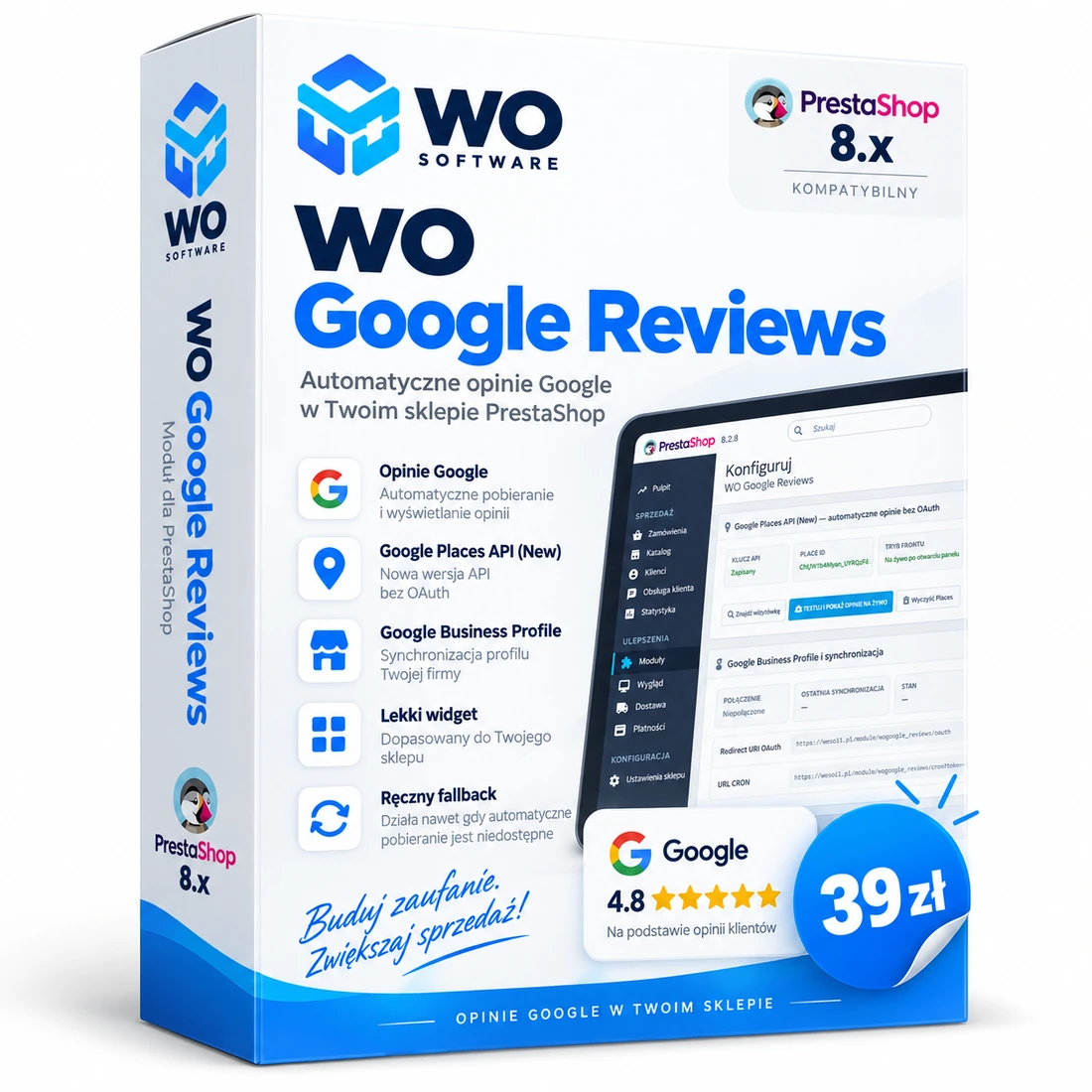
What does WO Google Reviews do?
WO Google Reviews displays the business rating and real Google reviews without adding work to normal storefront page generation. In the standard Google Places API (New) mode, data is fetched only after the widget is opened for the first time on a page view, while the API key remains on the server.
The commercial edition uses WO License Cloud. The licence is assigned to the domain supplied at purchase. The customer downloads a personalised ZIP from the WO Software account; after installation, the module activates the licence automatically. Private updates are checked at most once every 24 hours during back-office use or through CRON and are never installed without the administrator’s decision.
The additional Google Business Profile mode is marked BETA and is intended for OAuth/CRON synchronisation after access to the Google API has been approved.
The purchase creates a licence for the specified domain. The ZIP downloaded from the WO Software account is personalised and activates the module automatically when its configuration is opened for the first time.
Why add Google reviews to a store?
- No visible social proof on the storefront despite strong Google reviews.
- Manually copying the rating and review content into PrestaShop.
- Heavy widgets that add third-party scripts to every page view.
- No licence control or secure update channel for a paid module.
Key features
Google Places API (New)
Automatically retrieves the average rating, review count and up to five reviews returned by Google.
Lightweight storefront
The storefront does not wait for Google while generating the page. The request starts only after the widget is opened for the first time on that page view.
Server-side API key
The server-side Places key is never placed in customer-facing page code.
WO License Cloud
The licence is assigned to a domain. A personalised ZIP activates it automatically; a manual key remains available as a recovery method.
Private updates
The module checks for new releases at most once every 24 hours during back-office activity or through CRON. It never installs an update automatically.
Manual fallback
Your own rating and review entries can be displayed if automatic retrieval is disabled or unavailable.
Slide-out widget
The review card opens and closes with one click and hides automatically when the pointer leaves the area on desktop.
Google Business Profile (BETA)
Additional OAuth mode with location selection and background synchronisation. Requires access to the Google Business Profile API.
Classic and Warehouse
The widget is isolated from the theme grid, which helps it remain stable in more complex templates.
How do I launch the module?
- Purchase the module, supply the production domain and complete payment.
- After payment confirmation, open My products and download the personalised ZIP.
- Upload the ZIP through PrestaShop Module Manager and open the configuration. WO License Cloud activates the installation automatically for the assigned domain.
- Enable Places API (New) in Google Cloud, create an API key and restrict it to the required API and — where supported by the hosting platform — the server IP address.
- Enter the key, find the business profile, select the Place ID and run the live review test.
- Optionally configure the CRON URL. In addition to Business Profile mode, it refreshes licence status and checks private updates.
API, licence and important information
The Places API key is stored on the server and is not sent to the customer browser. Review text returned by Places API is not persisted in the module’s local cache. WO License Cloud sends only the information required to confirm the product, domain and installation; it does not send reviews or store customer data.
Important: Google Places API (New) requires a Google Cloud project with billing enabled and may incur charges under Google’s current pricing. Places API returns up to five reviews selected by Google. Google Business Profile mode is BETA and requires separate API-access approval by Google. Google fees and service availability are not included in the module price.
Releases and updates
Version 1.2.8
Sep 22, 2026 · 73 KB
1.2.8: correct release metadata for the WO Software catalogue, WO License Cloud, automatic activation of the personalised package for the domain and periodic private-update checks. Places API remains the lightweight standard mode; Google Business Profile remains BETA.
Version 1.2.6
Sep 22, 2026 · 59 KB
1.2.6: commercial WO Google Reviews release. Stable Google Places API (New) mode, lightweight widget, manual fallback, separate Google Business Profile tab (BETA) and WO Software branding.
Frequently asked questions
How does the licence work?
You provide the production domain during purchase. After payment, WO Software creates the licence and prepares a personalised ZIP. Following installation, the module activates automatically for that domain. One test slot is included.
Does the module work without a licence?
No. Without a valid local licence confirmation, the widget and module API features are disabled. The activation panel remains available in the back office.
Does the module install updates automatically?
No. At most once every 24 hours, it checks the private channel during back-office activity or through CRON. When a new version is available, the administrator downloads the private ZIP and chooses whether to install it.
Does the module slow down the store?
In Places mode, ordinary page loading does not wait for Google. The request is made asynchronously only after the widget is opened for the first time on that page view.
Do I need OAuth?
Not for the standard Places API (New) mode. OAuth is required only for the additional Google Business Profile mode (BETA).
How many reviews can Places API display?
Google Places API returns up to five reviews selected and ordered by Google.
Does it work with Warehouse?
Yes. The widget was tested with Warehouse and is rendered independently of the theme grid. It also works with the clean Classic theme.
Is Google API usage included in the module price?
No. The customer uses their own Google Cloud project. Any Google charges are billed directly by Google under its current pricing.
Comments
There are no public comments for this product yet.
Sign in to add a comment.