
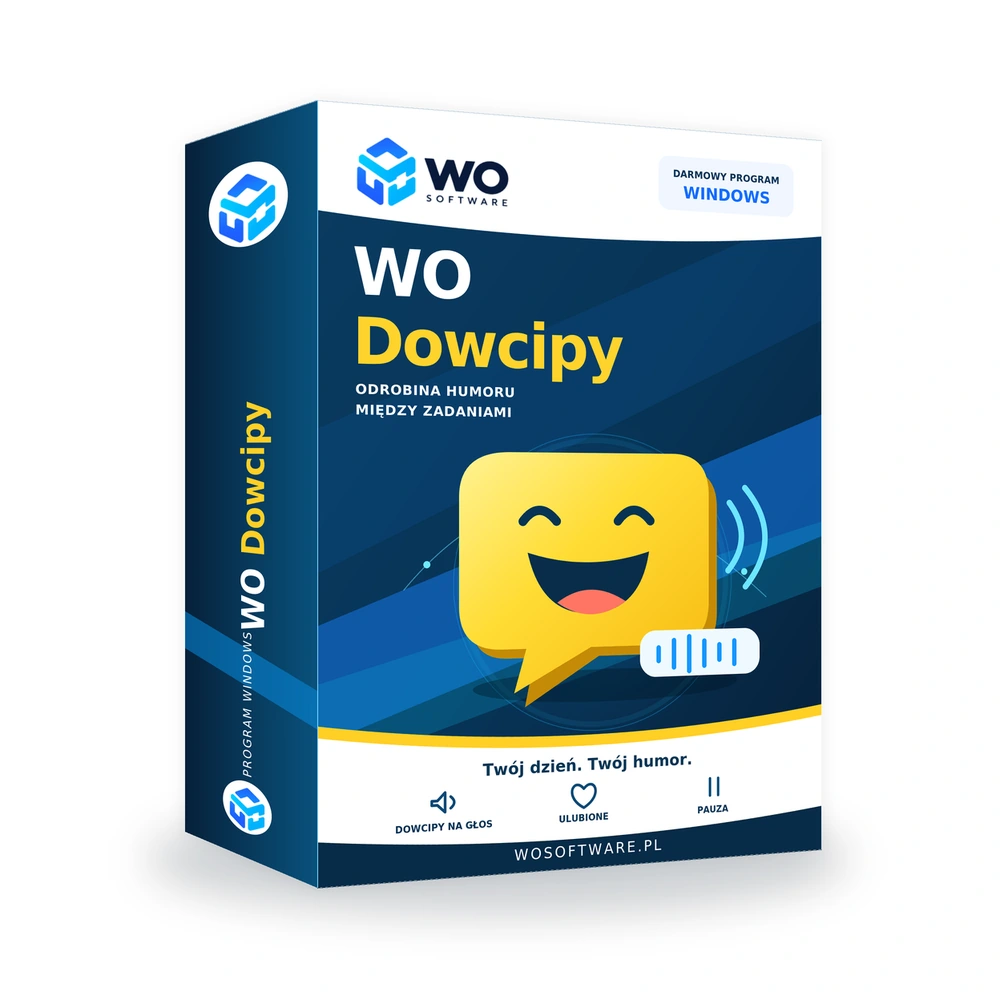
An application that occasionally brightens the working day
WO Dowcipy was created as a simple addition to everyday computer work. It runs quietly in the background and occasionally interrupts the routine with a short joke — without opening websites, searching for content or pulling you away from what you are doing.
You choose what type of humour you want to hear and how often. The application can be paused quickly, the best jokes saved to Favourites, previous jokes revisited in History, and unwanted content blocked.
WO Dowcipy is meant to complement your work, not become another application demanding constant attention. Set the frequency once, then mostly use short reactions: Favourite, rating, block or pause.
When does WO Dowcipy work best?
- When several hours at the computer start to feel monotonous.
- When you want a short light break without browsing websites or social media.
- When you prefer listening to jokes rather than searching for and reading them yourself.
- When you want to remember the best jokes and reject those that do not work for you.
- When the application should remain in the background without disrupting normal work.
Key features
Three humour categories
Choose between General, Youth and Adults-only categories.
Voice and frequency selection
You decide which voice is used and how often the application tells a joke.
History and Favourites
Return to recent jokes and save the ones you particularly enjoyed.
Ratings and local adaptation
Rating jokes helps adapt the humour to your reactions on this computer.
Block unwanted jokes
If you do not want to hear a joke again, you can block it.
Quick pause
Pause the application for one hour or until the next day.
Start with Windows
The application can start automatically and run quietly from the system-tray icon.
Copy and share
A good joke can be copied and shared quickly.
Reports and your own suggestions
Report a content problem or submit your own joke suggestion.
Small offline cache
If the internet connection is temporarily unavailable, a local content reserve keeps the application working for a while.
How does WO Dowcipy work?
- Install the application and launch it in Windows.
- Choose joke categories, voice and frequency.
- WO Dowcipy runs in the background and plays another joke at the chosen intervals.
- Add the best jokes to Favourites, rate others or block them.
- When you need silence, pause the application for an hour or until the next day.
- Use History to revisit previously played jokes.
Online and offline operation and important information
Some features use an internet connection, including access to current content and handling reports or suggestions. The application also keeps a small offline reserve for temporary connection loss.
Important: Version 0.1.19 is still under development. Windows 10 or Windows 11 and Microsoft .NET Framework 4.8 are required. The application is not yet digitally signed, so Windows may display a SmartScreen warning on first launch.
Download WO Dowcipy
Frequently asked questions
Is WO Dowcipy free?
Yes. The current version is available free of charge.
Which systems are supported?
The application is intended for Windows 10 and Windows 11 and requires Microsoft .NET Framework 4.8.
Can I choose the type of jokes?
Yes. General, Youth and Adults-only categories are available.
Can I change how often jokes are told?
Yes. You can choose both the frequency and the voice used to play jokes.
Can I silence the application quickly?
Yes. Pause it for one hour or until the next day.
Does it work without the internet?
The application has a small local offline cache for temporary connection loss. Some features still require internet access.
Why may Windows show a SmartScreen warning?
The current version is not yet digitally signed, so Windows may show a SmartScreen warning on first launch.
Can I keep a good joke for later?
Yes. The application includes History and Favourites, and jokes can also be copied and shared.
Comments
There are no public comments for this product yet.
Sign in to add a comment.