
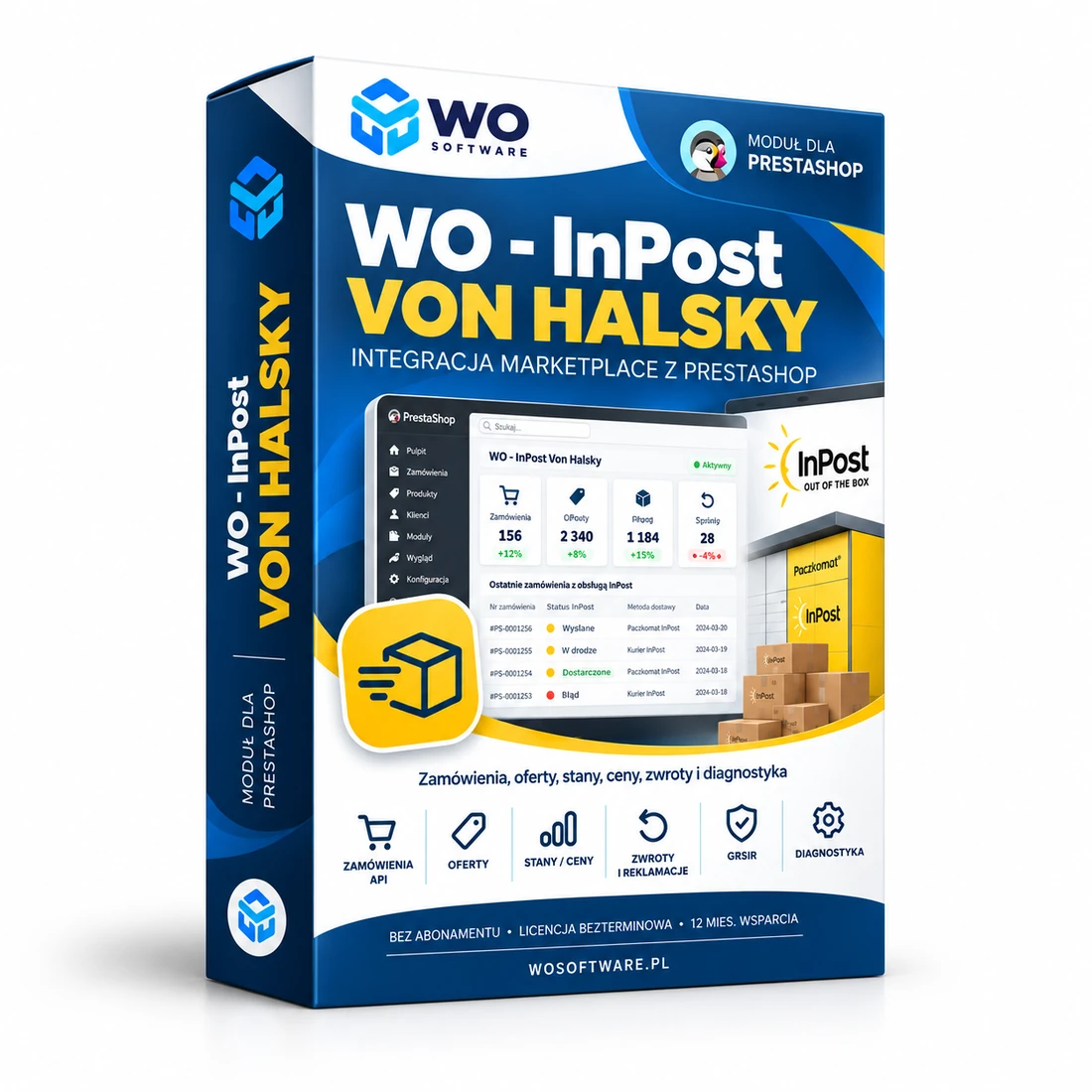
What does WO - InPost Von Halsky do?
WO - InPost Von Halsky connects a PrestaShop store directly with the InPost Von Halsky marketplace, without an intermediary layer such as BaseLinker. It handles order import, listing management, stock and price synchronisation, order events, returns and claims, as well as diagnostic tools.
The licence is perpetual for one production domain and one test environment. The purchase includes 12 months of support and new releases. When support expires, the installed version continues to work and the latest release covered by the update period can still be downloaded from the customer account.
The module was designed as a self-contained PrestaShop ↔ InPost Von Halsky integration. BaseLinker and WO Orders are not required for basic marketplace operation.
What does it remove from day-to-day work?
- Manual re-entry or synchronisation of marketplace orders.
- Stock and price differences between PrestaShop and Von Halsky.
- No convenient panel for listings, errors and bulk operations.
- Returns, claims and order events monitored in separate places.
- No clear diagnostics for CRON jobs and integration health.
Key features
Order import
Imports orders from Von Halsky into PrestaShop with a safe queue, product mapping and duplicate protection.
Listings
Listing browser, publishing, relisting, bulk actions, categories, parameters and error diagnostics.
Stock and prices
Stock and price synchronisation with a change queue, full CRON flow and zero-stock threshold control.
Events, returns and claims
Status changes, cancellations, returns and claims in a single panel.
Description template and product data
Builds descriptions from PrestaShop data with optional mapping of additional fields.
GPSR
Handles GPSR data during listing and synchronisation, including validation of required information.
Price promotions
Tools for controlled price and promotion tests without automatically starting changes after installation.
WO License Cloud
Domain-bound licence, private updates, 12 months of support and secure release downloads.
In-module support
With active support, a customer can submit a report with a description, screenshot and automatically attached diagnostic report.
Diagnostics
API, CRON, queue, operation and recent-error status helps identify problems quickly.
How is it launched?
- Purchase the module and create the licence in your WO Software account.
- Download the ZIP, install it through PrestaShop Module Manager and activate the licence.
- Enter the Von Halsky Organization ID, Client ID and Client Secret, then test the connection.
- Configure delivery mappings, statuses, the import start date and CRON.
- Review previews and diagnostics before enabling import and synchronisation.
- If a problem occurs, use Help and support → Report a problem; a technical report is attached automatically.
Licence, privacy and support
Configuration data is stored in the store and Client Secret is encrypted locally. WO License Cloud receives only the information required to verify the licence and issue a private update. A support ticket may contain a safe technical report; Client Secret, customer data and order contents are excluded.
Important: Active InPost Von Halsky API credentials and a correctly configured CRON are required. The integration depends on marketplace API availability and changes. Back up the store and database before the first launch and before updates.
Releases and updates
Version 1.10.7
Sep 20, 2026 · 466 KB
Disabled native product promotion; the InPost API is not ready yet...
Version 1.10.6
Sep 20, 2026 · 465 KB
Minor interface improvements...
Frequently asked questions
Does the module require BaseLinker?
No. WO - InPost Von Halsky communicates directly with the marketplace API and PrestaShop.
How many domains does the licence cover?
One licence covers one production domain and one test/development slot. www/non-www and HTTP/HTTPS are treated as the same domain.
Does the licence expire after 12 months?
No. The licence for the purchased version is perpetual. The 12 months cover support and access to new releases.
What happens when support expires?
The module continues to work. Newer releases and in-module support are unavailable until support is renewed. You can still download the latest release covered by your update period.
Can I move the licence to another domain?
Yes, but moving it to a different production domain is a paid service under the Terms. Switching between www/non-www or HTTP/HTTPS is not considered a domain change.
How do updates work?
The module checks for a new version and displays it in the panel. A paid ZIP is issued only to an installation with an active licence and update entitlement. Updates are never installed automatically.
How do I report a problem?
With active support, open Settings → Help and support → Report a problem. You can attach a screenshot and the module automatically includes diagnostics without secrets or customer data.
Comments
There are no public comments for this product yet.
Sign in to add a comment.