
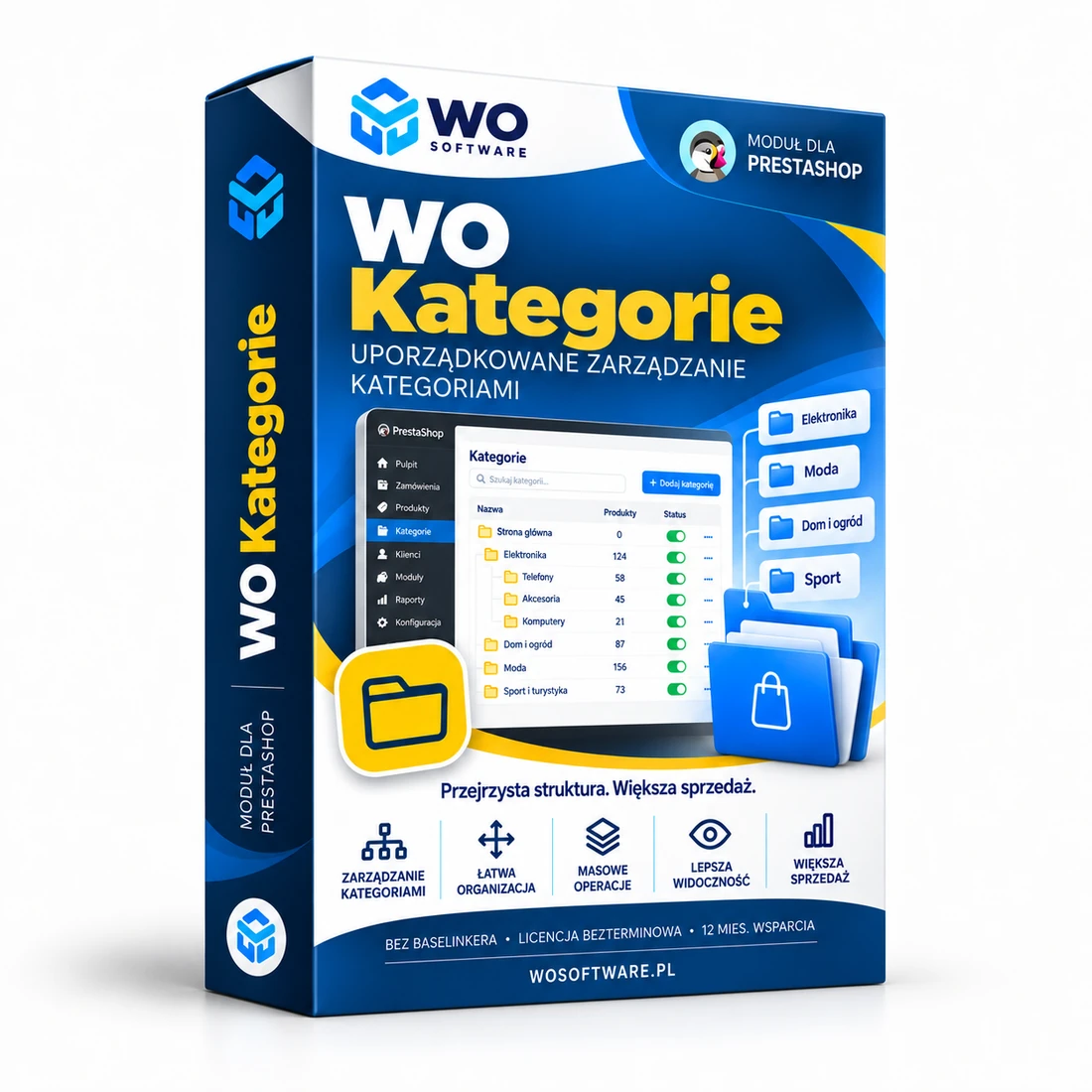
What does WO Kategorie do?
WO Kategorie helps organise a large category tree without opening hundreds of products manually. The module shows catalogue health, product counts per category and the most common structural problems.
Version 0.11.0 BETA is separated from earlier private migration plans. It contains no predefined category IDs or product lists from a particular store. The administrator chooses the products, category and operation using the current PrestaShop data.
Write operations create a snapshot of the previous state. History can be used to roll back bulk product assignments, a default-category change, moving a category or disabling a category with a redirect.
0.11.0 is a universal BETA build awaiting the final audit. Sales are disabled; a private release can be tested through WO License Cloud.
When is this module useful?
- A large catalogue with categories that have not been reviewed for a long time.
- Hundreds of products that need an additional category, removal from a category or a new default category.
- Empty categories and disabled categories that still contain products.
- Rebuilding the category tree while preserving old SEO URLs.
- No convenient rollback after a large catalogue change.
Key features
Catalogue health dashboard
Product count, active and empty categories, invalid default categories, products without categories and active redirects.
Dynamic category tree
Tree search and the number of products assigned to every category.
Bulk product assignments
Add a category, remove an additional category or change the default category for selected products in bulk.
Safe category operations
Move a category under another parent, enable or disable it, or retire it with a 301/302 redirect.
Snapshots and rollback
Before a change, the module stores product or category state. History can then be used to reverse the operation.
Catalogue audit
Empty active categories, disabled categories with products, duplicate names, basic SEO gaps and invalid default categories.
CSV export
Categories, products with assignments and audit results can be exported for further analysis.
WO License Cloud
Domain-based licence, automatic activation of a personalised ZIP and private updates.
What does a safe workflow look like?
- Run the audit and review the category tree first — this step changes nothing.
- Find the products or category and choose a specific operation.
- The module stores a state snapshot before modifying anything.
- After the operation, verify the result in history and on the storefront.
- If the outcome is wrong, use rollback for that specific operation.
Security and licensing
The module works with the current store catalogue. Product and category names are not sent to WO Software. WO License Cloud sends only the information required to confirm the product, domain and installation and to authorise private updates.
Important: Version 0.11.0 is BETA. Before Stable, it will undergo an additional code audit, a clean-PrestaShop test and a separate review of market and competing features. Bulk operations should first be tested on a store copy.
Test releases and updates
Version 0.11.0
Sep 22, 2026 · 52 KB
0.11.0 BETA: universal category manager with no private catalogue plans. Audit, bulk assignments, safe category operations, 301/302 redirects, snapshots, rollback and WO License Cloud.
Frequently asked questions
Does the module include a ready-made category plan?
No. The commercial edition contains no plans or data from a specific store. It works only with the user’s current catalogue.
Can changes be rolled back?
Yes, for operations performed by WO Kategorie. The module stores a snapshot before each change and provides rollback in history.
Does the module delete categories?
The BETA edition does not automatically hard-delete categories. Safe retirement means disabling the category and optionally creating a 301/302 redirect.
Do redirects work without a licence?
No. Module features require an active WO Software licence for the domain.
Are updates installed automatically?
No. The module checks the private channel at most once every 24 hours and shows the available release; installation remains an administrator decision.
Comments
There are no public comments for this product yet.
Sign in to add a comment.